


WordPress maintenance: scope, costs and responding to downtime
 Przemek Drożniak

On 1 April, I received an alert that a client's website was returning a 403 error. Access was denied. My first thought was: could this be a missed payment?
I called the client to check. They had missed the server renewal. They paid, and about 10 minutes later the website was running again.
This is an incident I wrote about in April 2026. A 403 error can have several causes. In this case, an alert, a phone call and confirmation of the cause helped us resolve it.
Website maintenance means regular upkeep and an agreed response when something stops working. It covers updates, backups, monitoring and checks of important features. It also gives you a contact who knows your website.
Service scope and technical information checked on 22 October 2026.
What should be agreed in a maintenance service
Updates followed by checks
WordPress, plugins and themes need maintenance. The server's PHP version matters too. The urgency depends on risk: a fix for a vulnerability being exploited requires a different response from a plugin's new feature release.
Before a change, you need a backup and a way to roll back. Afterwards, check important functions: forms, editing and, for a store, the basket and checkout. Major updates are worth trying in a test environment first.
The number of pending updates says little on its own. One serious, unpatched vulnerability may need more urgent attention than several minor updates. I would not diagnose a site using a rule such as “more than five plugins means trouble”. WordPress describes updates and limited permissions as parts of securing a site.
A backup you can restore
A backup should cover files and the database. You also need to know how long copies are retained, who can access them and how restoration works.
A hosting provider's backup can be useful. Check whether it survives a server or account failure, how long it is kept and whether restoration costs extra. A copy outside the website's server reduces dependence on one location.
A “backup completed” message does not prove that the whole site can be restored. Agree how copies will be checked. For a store, the frequency needs to reflect orders: restoring yesterday's state may lose today's data.
Monitoring and someone to respond
Automated monitoring checks whether the website responds and sends alerts. Forms, certificates and selected errors can be checked separately. These checks answer different questions: an HTTP 200 response does not prove a customer can send an enquiry or pay.
Who receives an alert, when do they handle it, and what happens next? Automated 24/7 monitoring does not mean a person is on duty around the clock. Support hours and response times belong in the agreement.
Access and security
Each person should have an individual account with the permissions their work requires. Add strong passwords, additional authentication where available, and checks of unused accounts and unsupported extensions.
A firewall or protection against known vulnerabilities can reduce risk. It cannot guarantee protection from every attack. Disabling features such as XML-RPC requires checking the integrations that use them.
What you can check on your own site
You do not need to administer a server yourself. Ask your provider for short answers:
- When were updates checked, and are there known issues needing action?
- Where is the latest usable backup, what does it include, and how can it be restored?
- Who receives an alert if the site stops working?
- Does the contact form actually deliver messages? When was it checked?
- Who tracks domain and hosting payments and certificate renewal?
A missing answer gives you something specific to clarify. It does not automatically mean a breach or a dishonest provider.
Ask about PHP support too. As of 22 October 2026, PHP 8.2–8.5 are supported, with security support for 8.2 ending on 31 December 2026. Choose an upgrade after checking compatibility. The current schedule is published by PHP.
For HTTPS, check the protocol, certificate validity and browser warnings. A missing padlock icon is not enough to diagnose a problem: Chrome changed that icon in 2023.
What my maintenance service includes and costs
Prices are monthly, in PLN, excluding tax, for one agreed WordPress installation after checking its condition. The offer and agreement specify tax treatment and billing terms.
Care: PLN 299 net per month
- Automated availability monitoring with alerts, SSL checks and domain renewal tracking.
- Daily backups outside the website's server, with retention confirmed at handover.
- Daily update checks and ongoing updates, with risk assessment, a backup and checks of key functions.
- Setup of WP Umbrella and Patchstack, and review of available security warnings.
- Contact form checks and a monthly summary of work.
- Up to 2 hours a month for agreed content changes and development work.
Care and growth: PLN 499 net per month
The same maintenance standard, up to 4 hours a month in total for agreed work, plus WCAG accessibility monitoring with reports and responses to detected issues.
We agree the monitoring tool, coverage and how fixes are billed during setup. Automated monitoring detects some barriers. A full accessibility audit is a separate service, priced outside the monthly hours.
What we agree before starting
I first check security, loading speed, technical setup and access. Necessary standard setup and fixes are included in starting the maintenance service, without a separate quote.
Migration, removal of an existing infection, recovery from a major failure and non-standard work are agreed separately. A larger store, multisite installation or unusual integrations require a scope assessment.
Hosting, domain names and paid licences have separately specified costs and payers. The agreement also explains the costs of the maintenance tools. Unused hours do not carry over; work beyond the allowance requires approval beforehand.
Billing is monthly, with one month's notice to cancel. A 3-month minimum applies only when you take the free website optimisation at the start. We record scope and response times in the agreement. That is more useful than a general promise to “take care of everything”.
Questions to ask a provider
Ask them to explain their response to an incident: initial checks, communication with you, restoring a backup and any additional costs. A specific answer helps you compare offers.
Ask about the work report too. You should know what was done, what needs your decision and what falls outside the scope. A list of unexplained technical abbreviations is not enough.
Agree how the relationship can end: secure access handover, documentation, backups and licences. WordPress access and hosting access are separate things. I explain this in the guide to regaining control of a website and domain.
Questions about WordPress maintenance
Do I need maintenance if my website works?
You need an agreed way to maintain it. You can do that yourself, within your team or through a provider. Updates, backups and responses to problems need someone responsible for them.
Do you take over websites built by someone else?
Yes, after checking their condition and whether I can maintain them. Standard initial fixes are part of starting the service. The exceptions listed above are agreed separately before work begins.
Does maintenance guarantee no downtime and more sales?
No. It reduces risk, helps detect problems and makes the response clearer. Sales also depend on your offer, traffic and customer service. Maintenance does not replace a marketing strategy.
Where to start
Go back to the five questions in this article. If you do not know the answers, ask the person looking after your site to explain them.
If you would like to discuss maintenance with me, tell me about your website or book a call. We will look at what it needs and a suitable scope of work.
The foundations matter. Look after your website: it represents your business.

Przemek Drożniak
Web Developer & Designer
For more than 10 years I have been building websites for businesses and institutions. 60+ 5-star reviews on Google. I focus on quality and an individual approach to every project.
I build websites that serve for years.
Read also
EAA and WooCommerce: obligations and initial accessibility checks
Who Poland's Accessibility Act covers and how to start checking WooCommerce. Exemptions, fines, service information and practical accessibility tests.
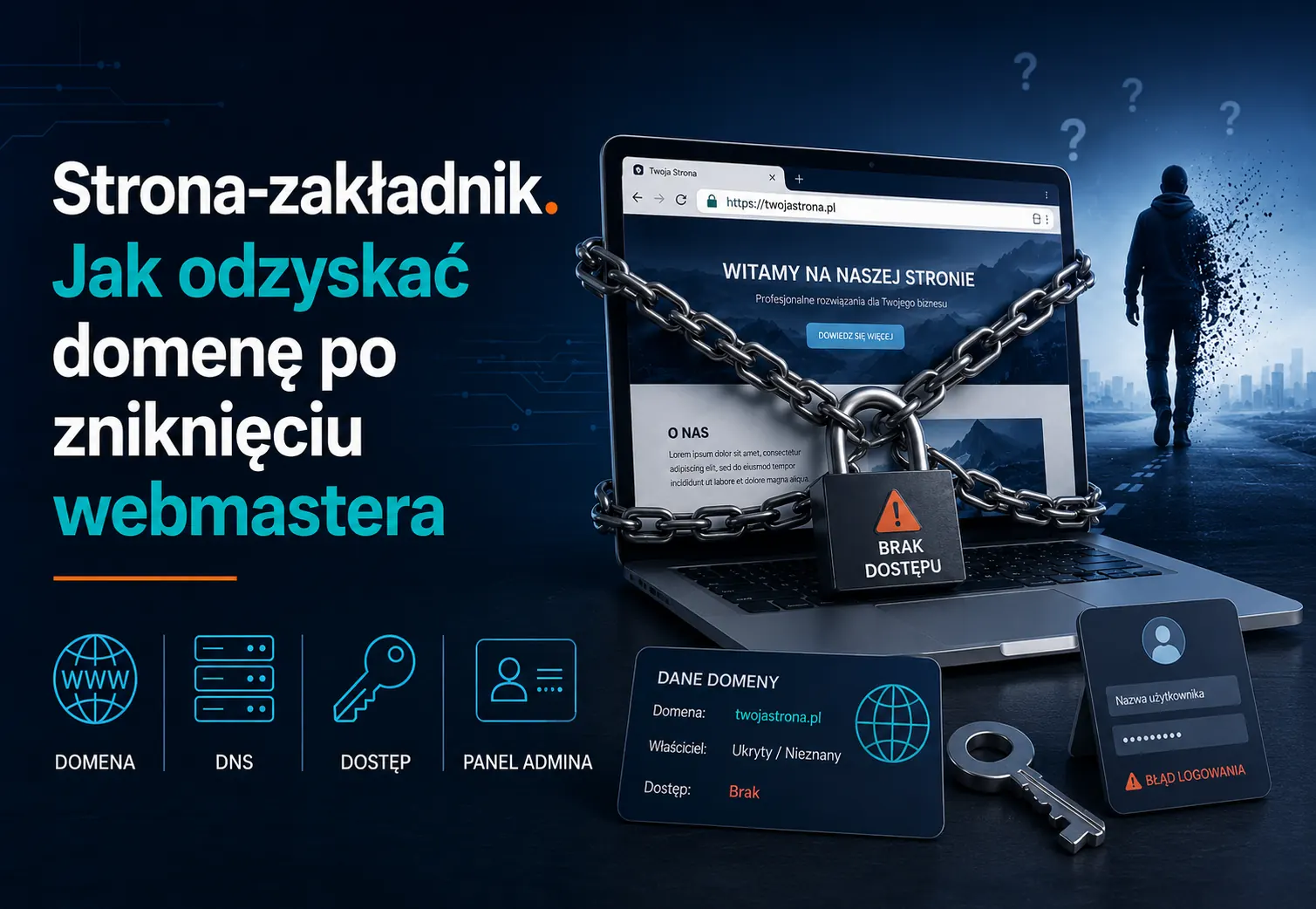
Lost website and domain access: how to regain control
Cannot access your domain, hosting or WordPress? Understand what to recover, how a transfer differs from a registrant change, and what a handover should include.
Want to talk about your website?
30 minutes. No commitment. You will learn exactly what to do.