


EAA and WooCommerce: obligations and initial accessibility checks
 Przemek Drożniak
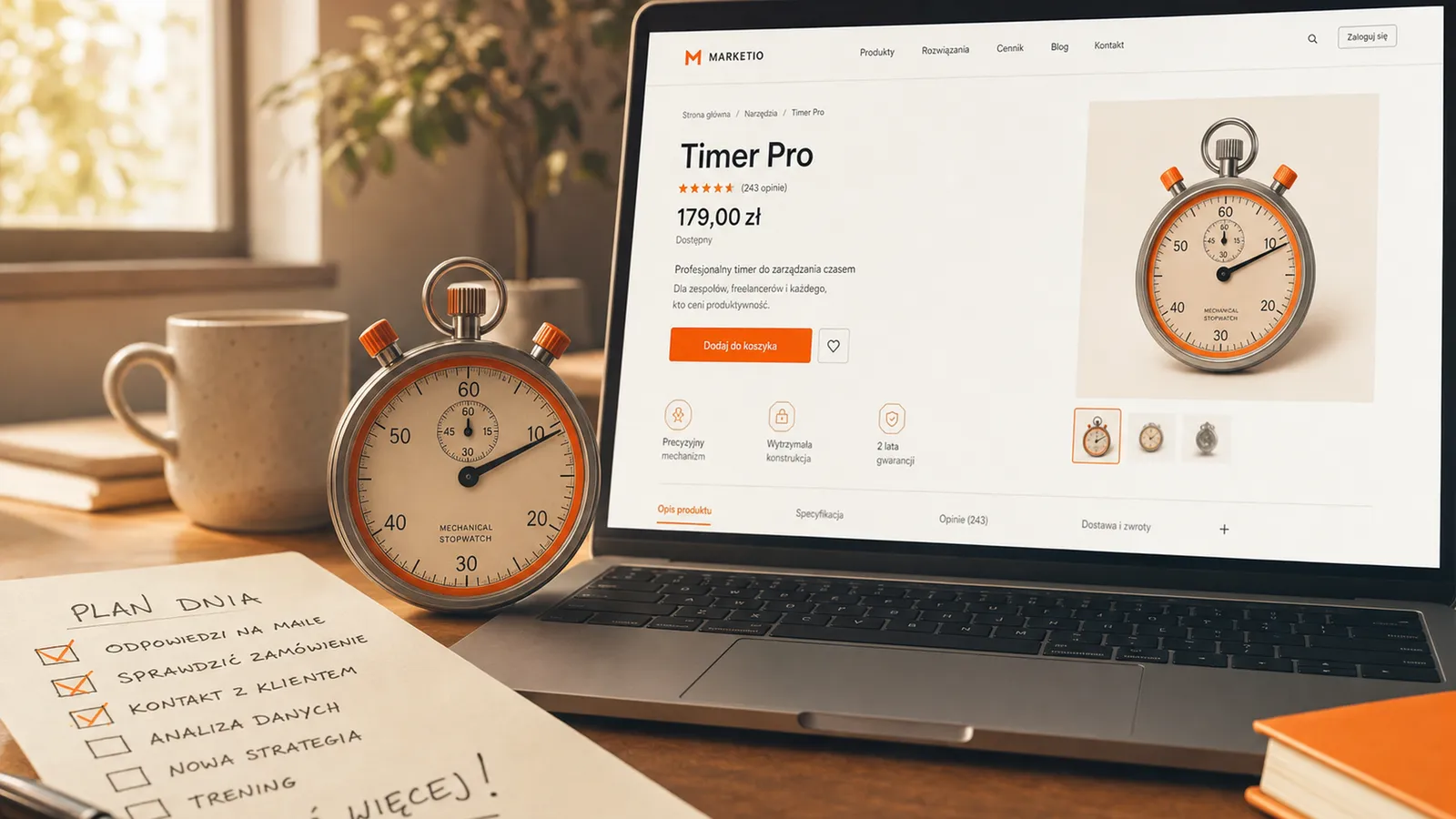
A customer finds a product, selects a variation, adds it to the basket and pays. At each step, they may encounter a barrier: an invisible focus indicator, an unlabelled field or an error message a screen reader does not announce.
That journey is a useful starting point for checking a store's accessibility. Two hours can reveal some problems and help plan further work. It is an initial review, not confirmation that the entire service complies.
Below, I explain the main obligations in Poland and some first tests for WooCommerce. You do not have to do everything at once, but you need to know what has been checked and what remains unknown.
Information checked on 22 October 2026. The legal section concerns Poland; a particular business's obligations depend on its circumstances. Other countries implement the EAA through their own legislation.
EAA, PAD and WCAG: what they mean
The European Accessibility Act (EAA) is EU Directive 2019/882, covering the accessibility of specified products and services. Poland implements it through the Act of 26 April 2024, known as the Polish Accessibility Act (PAD). Its main obligations apply from 28 June 2025. Polish legislation.
WCAG provides guidelines for accessible web content. It helps assess keyboard use, contrast, forms and compatibility with assistive technology. W3C explains WCAG here.
PAD is not reducible to a single WCAG test result. It includes requirements concerning the service and information about it, and, in e-commerce, functions such as identification and payment. An audit must connect the obligations, relevant standards and the actual store. Compliance with a selected WCAG version should not automatically be presented as compliance with the entire Act.
Does the Act cover your store?
Start by considering whether you provide an e-commerce service to consumers. Having a website, offering a Polish language version or being reachable from the EU does not settle the question. Check the service, the business and the applicable rules.
The exemption for services provided by microenterprises
PAD excludes services offered or provided by microenterprises. Under the Polish Entrepreneurs' Law definition, the business must have met both of these conditions in at least one of the previous two financial years:
- employed an annual average of fewer than 10 employees;
- had annual net turnover not exceeding the equivalent of EUR 2 million or total balance sheet assets not exceeding that amount.
Exactly 10 does not meet “fewer than 10” in that year. However, do not ignore the other year, the employment calculation rules or the financial test. Today's headcount alone is insufficient. Entrepreneurs' Law, Article 7, PAD, Article 4.
This exclusion concerns services. It should not automatically be extended to obligations concerning products covered by the Act. If the business's status or scope is unclear, establish it with your accountant and a lawyer.
Does an older store have until 2030?
There is no general rule allowing an existing store to postpone accessibility until 2030. Transitional provisions concern specified earlier contracts and products used to provide services. Launching a website before 28 June 2025 does not, on its own, give it that extension.
The Act separately addresses certain earlier files and archived content. An archive exclusion does not exempt an actively updated basket or checkout. Check the conditions of each exception, not just the website's age. PAD, Articles 85–86.
What fines does the Act provide for?
Article 73 sets two simultaneous limits: up to ten times the specified average monthly national wage for the previous year, but no more than 10% of turnover in the preceding financial year.
The lower ceiling applies. PLN 6 million in turnover does not automatically imply a maximum fine of PLN 600,000. The calculation requires the appropriate published wage figure and year, with both limits applied. Nor is this an automatic charge for one form error.
For e-commerce services, the market surveillance authority is the minister responsible for digital affairs. PFRON, Poland's State Fund for Rehabilitation of Disabled People, also has statutory responsibilities, but it is not the sole authority for all services. PAD, Articles 38 and 73.
Fines should not replace the question of whether a customer can use your store. That is where I start the technical review.
Initial WooCommerce checks: seven areas
Select representative pages: a category, a product with variations, the basket, checkout, customer account and contact form. Record the URL, steps, expected result and what actually happens. Note whether a problem prevents a purchase.
1. Buying with a keyboard
Put the mouse aside. Use Tab and Shift+Tab, activate buttons with Enter or Space, and check whether Escape closes dialogs.
Can you see the currently focused element? Is the order logical? Can you open the menu, choose a variation and reach payment? You should not get trapped in a cookie dialog or search interface.
Test payments in a test environment or through an agreed test-order process. Do not trigger unintended card charges. W3C: keyboard accessibility.
2. Forms and error messages
Check that every field has an understandable label, including after you enter data. A placeholder inside the field does not replace a persistent label. The label must be associated with the field in code; for is one method, not the only one.
Submit a form with a required value missing. Does it explain which field needs fixing and how? Is that information available to a screen reader rather than conveyed only through red colouring? Is the data you already entered preserved? W3C: form labels.
3. Contrast, zoom and a narrow screen
Check prices, descriptions, buttons, active states and errors. At WCAG AA, typical text requires a contrast ratio of at least 4.5:1 and large text 3:1, subject to the criterion's conditions and exceptions. Understanding the contrast criterion.
Zoom in and try a narrow screen. Are content and controls still available? Does a sticky bar cover a field? Correct colours alone do not solve layout problems.
4. Product images and videos
Alternative text should convey the information needed in context. For a product image, that may mean an important visual feature or variation. A decorative image may need an empty alt so a screen reader skips it.
The objective is not “90% of images with alt text”. Purpose and meaning matter. A complex graphic may need a fuller explanation in the body. W3C: choosing alternative text.
For a recording with speech, check captions. A transcript does not automatically replace synchronised captions. Depending on the material, also assess audio description or an alternative conveying important visual information. W3C: accessible media.
5. Control names and screen readers
Buttons, links, headings and fields should make sense without looking at the screen. A basket icon needs an accessible name. Changes to the number of items and error messages should not be communicated visually alone.
You can start with NVDA on Windows or VoiceOver on Apple devices. A beginner's test can reveal problems, but it does not replace assessment by someone familiar with the screen reader and accessibility criteria.
6. Automated scans and manual checks
axe DevTools or WAVE can identify some errors. Check several templates and states, including an expanded menu, an invalid form and checkout.
No scanner errors does not mean complete accessibility. The tool cannot assess every description's meaning or the whole purchase journey for you. Review the results, fix the issues and test again.
7. Information about service accessibility
If the service is subject to PAD, required information about the service, its use and how it meets accessibility requirements must be publicly available. It belongs in the service terms or an equivalent document, in an accessible form.
Do not copy a public-sector accessibility statement without checking its relevance. That is a different set of obligations. The ministry also explains reporting non-compliance and remedial action. PAD information duties.
What to do with the results
Start with barriers that prevent buying, logging in or making contact. For each, record who is responsible, the proposed fix and the acceptance test. Warning counts are secondary: one inaccessible payment button can have a substantial impact.
After changing a theme, form, payment integration or plugin, test that journey again. Accessibility needs maintenance. Rushing changes without thinking them through is not a good way to work.
Questions about audits and maintenance
Is installing an accessibility overlay enough?
Installation alone does not establish compliance. Assess how the store actually works, including with the overlay enabled. Form and keyboard problems need effective fixes. Compare the supplier's promises with testing rather than treating them as certification.
Does WooCommerce guarantee an accessible store?
You assess the working whole: theme, plugins, content, checkout and integrations. A platform or template name does not establish the compliance of a particular implementation.
Is a full audit included in ongoing maintenance?
A full WCAG 2.2 accessibility audit is quoted separately, outside the monthly work allowance. We agree the pages, functions and requirements covered before starting.
The PLN 499 net monthly maintenance option includes WCAG monitoring within an agreed scope, reports and responses to detected problems. It is not a full audit after every update or a guarantee of legal compliance. The agreement specifies how fixes and work beyond the allowance are billed. More about maintenance scope.
If you want your store checked, tell me about its scope and the problem. We can establish what needs technical assessment and which questions require legal advice.

Przemek Drożniak
Web Developer & Designer
For more than 10 years I have been building websites for businesses and institutions. 60+ 5-star reviews on Google. I focus on quality and an individual approach to every project.
I build websites that serve for years.
Read also
WordPress maintenance: scope, costs and responding to downtime
What WordPress maintenance includes, how incident response works and what you pay for. A real monitoring story, service scope and questions for your provider.
Lost website and domain access: how to regain control
Cannot access your domain, hosting or WordPress? Understand what to recover, how a transfer differs from a registrant change, and what a handover should include.
Want to talk about your website?
30 minutes. No commitment. You will learn exactly what to do.